
Why Download the ok555 App?
For online gaming fans in Bangladesh, the ok555 app is a complete package. It's not just a mobile version of a website — it's a purpose-built native app, with every section designed with mobile users in mind.
The app feels fast the moment you open it — no page reloads like in a browser. Games run in full screen, buttons are large and touch-friendly, and the interface is clean. For daily ok555 users, the app genuinely saves time.
The App Preferred by Bangladeshi Users
The ok555 app fully supports Bangla. Mobile Banking, Nagad, and Rocket — all payment methods work directly in the app. No need to open a separate browser.
Key App Features
Biometric Login
Log in in just one second with your fingerprint or Face ID.
Push Notifications
Be the first to know about new bonuses, tournaments, and promotions.
Fast Loading
Runs faster than a browser because it's a native app.
Full Screen Mode
Enjoy a true full-screen experience once you enter a game.
Dark Mode
Enjoy late-night gaming in an eye-friendly dark theme.
Lower Data Usage
Optimized data usage — works well even on slow connections.

Steps to Install the ok555 APK on Android
Even though ok555 isn't on the Google Play Store, installing the APK directly is straightforward. Just follow the steps below:
Open Phone Settings
Go to Settings → Security or Privacy and enable "Unknown Sources" or "Install Unknown Apps".
Download APK
Download the latest Android APK file from the official ok555 download page. The file is only 18 MB.
Install from File Manager
Go to your Downloads folder and tap the APK file. Press the "Install" button.
Open the App & Log In
Once installation is complete, tap the ok555 app icon. Log in to your existing account or create a new one.
Ensure Safe Download
Always download the APK from the official ok555 site. Files downloaded from third-party sites may pose a security risk.

How to Install the ok555 App on iOS
Ok555 has a dedicated iOS version for iPhone and iPad users. The installation process on Apple devices is a little different, but easy enough to follow with a bit of attention.
Go to the ok555 Download Page
Open the ok555 download page in Safari and tap the iOS download button.
Install Profile
Go to Settings → General → VPN & Device Management and mark the ok555 profile as trusted.
Launch the App
The ok555 icon will appear on your home screen. Tap it and sign in with your account details.
App vs. Web Browser — What's the Difference?
Many users wonder: ok555 already works in the browser, so why bother with a separate app? The answer is simple — the app offers extra benefits that the browser simply can't match.
| Features | Ok555 App | Mobile Browser |
|---|---|---|
| Loading Speed | Much Faster | Medium |
| Biometric Login | Available | None |
| Push Notifications | Available | None |
| Full Screen Games | Available | Partial |
| Data Saving | More Affordable | Comparatively Higher |
| Offline Access | Partial Support | None |
| Home Screen Shortcut | Automatic | Must Be Added Manually |
Games Available on the ok555 App
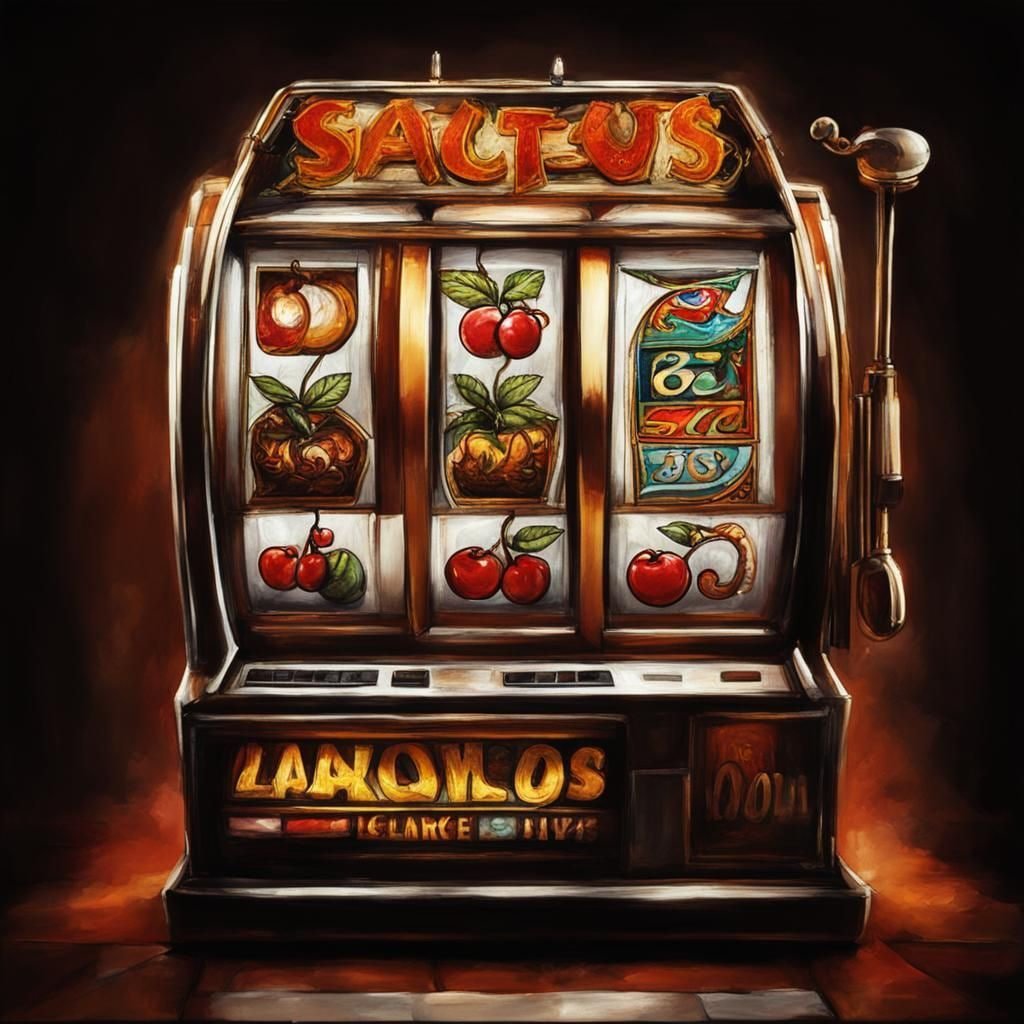
The app gives you access to the full game library, just like the website. Slots, Live Casino, fishing games, crash games — it's all there. Live Casino games in particular run beautifully on the app, with smooth HD streaming, in-game dealer chat, and easy bet placement.
The app shines even more with slots. Set auto-spin and the game runs on its own. You get notified when you win, and when a big jackpot hits, the app automatically plays a celebration animation — the whole experience is a blast.
How to Make Payments in the App
Deposits and withdrawals on the ok555 app are completely hassle-free. Select Mobile Banking, Nagad, or Rocket, enter the amount, and confirm. The whole process takes under 30 seconds. Withdrawals are just as easy and funds typically arrive within 15–30 minutes.
Payments in the App Are Fully Secure
All transactions on the ok555 app are protected with SSL 256-bit encryption. Your financial information is never shared with third parties.
Why Keep the App Updated?
Ok555 releases regular app updates. Each update adds new games, improves performance, and strengthens security. Android users can enable "Auto Update" in the app settings to get new versions automatically. iOS updates work the same way.
Some games may not run or payment issues may occur on older versions. It's best to always keep the app updated to the latest version.